AI film studio for macOS · free and open source
From one script
to the final cut.
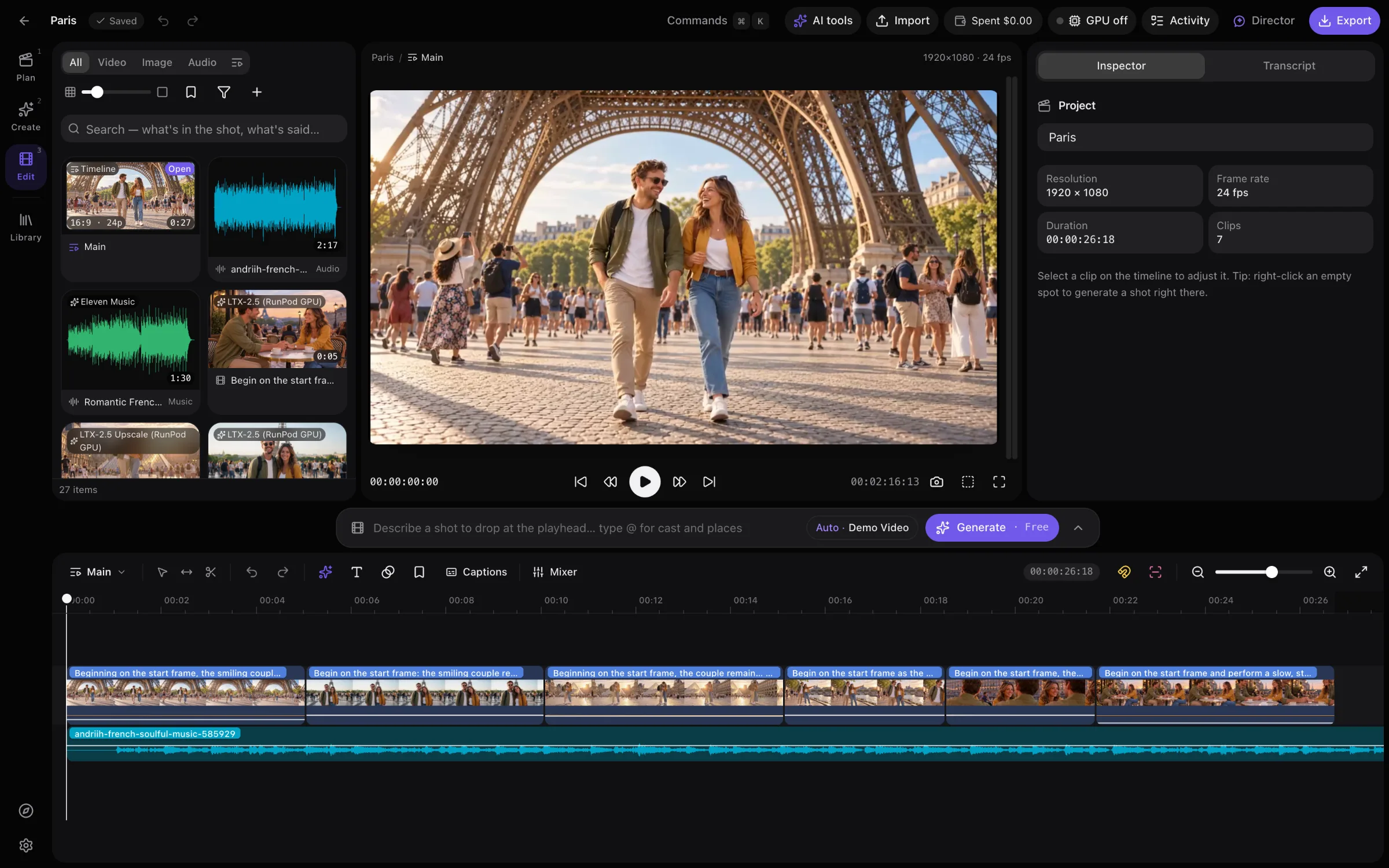
Plan with an AI Director, render every shot with the best video, image and sound models, and cut it on a magnetic timeline. On your Mac, with your own keys.
MIT licensed · Apple Silicon · Demo mode works without any API keys
Made in Wildroom
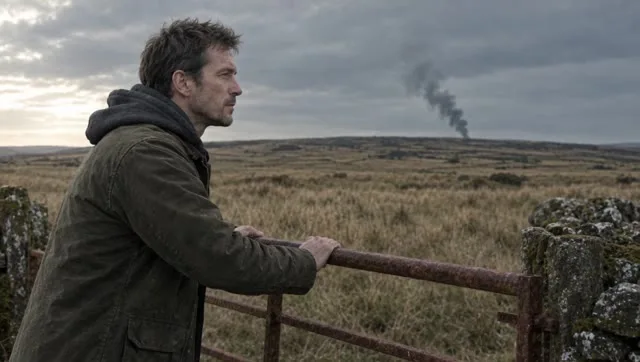
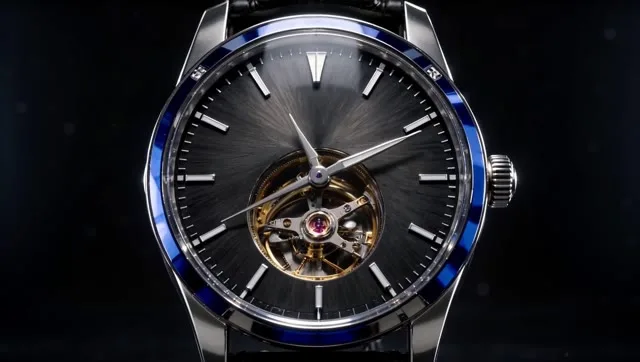
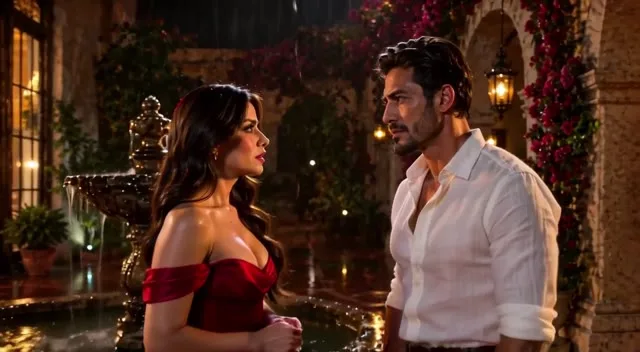
Short films, ads, music videos and key art. Every frame generated, every cut made in the app.




Bring your own keys
Wildroom doesn't resell credits. Plug in the providers you already use and pay them directly, or run LTX-2.5 video and FLUX.2 images on your Mac for nothing.
Kling, Veo, Seedance, Wan, LumaKling 3.0, lip-syncGPT Image, Nano Banana, SeedreamVoices, dialogue, music, SFXLTX-2.5 on your own GPULTX-2.5 + FLUX.2, free- No markup, no account, no subscription.
- The price before every render, and a spend counter.
- Keys live in the macOS Keychain, never in the browser.
One sentence in.
A shot list out.
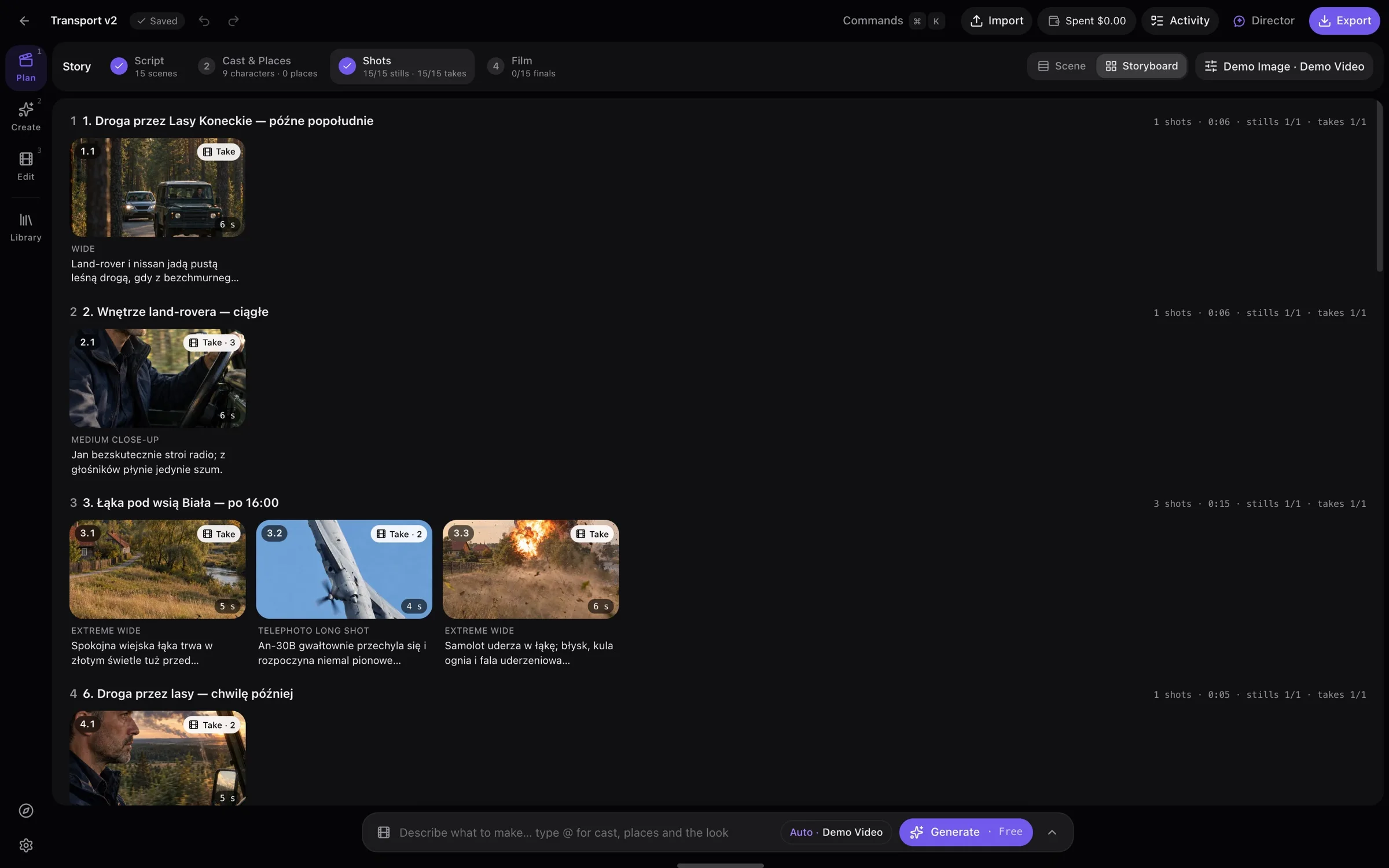
Say what you're making. The AI Director writes the script, the scenes and the shots, and proposes what to render. Nothing is generated until you approve the plan.
- Cast and places that look the same in every shot
- A storyboard of stills and takes, scene by scene
- Wides, close-ups and reverses drawn from one still
- Camera and blocking from a Blender previs
Generating a shot
is just another edit.
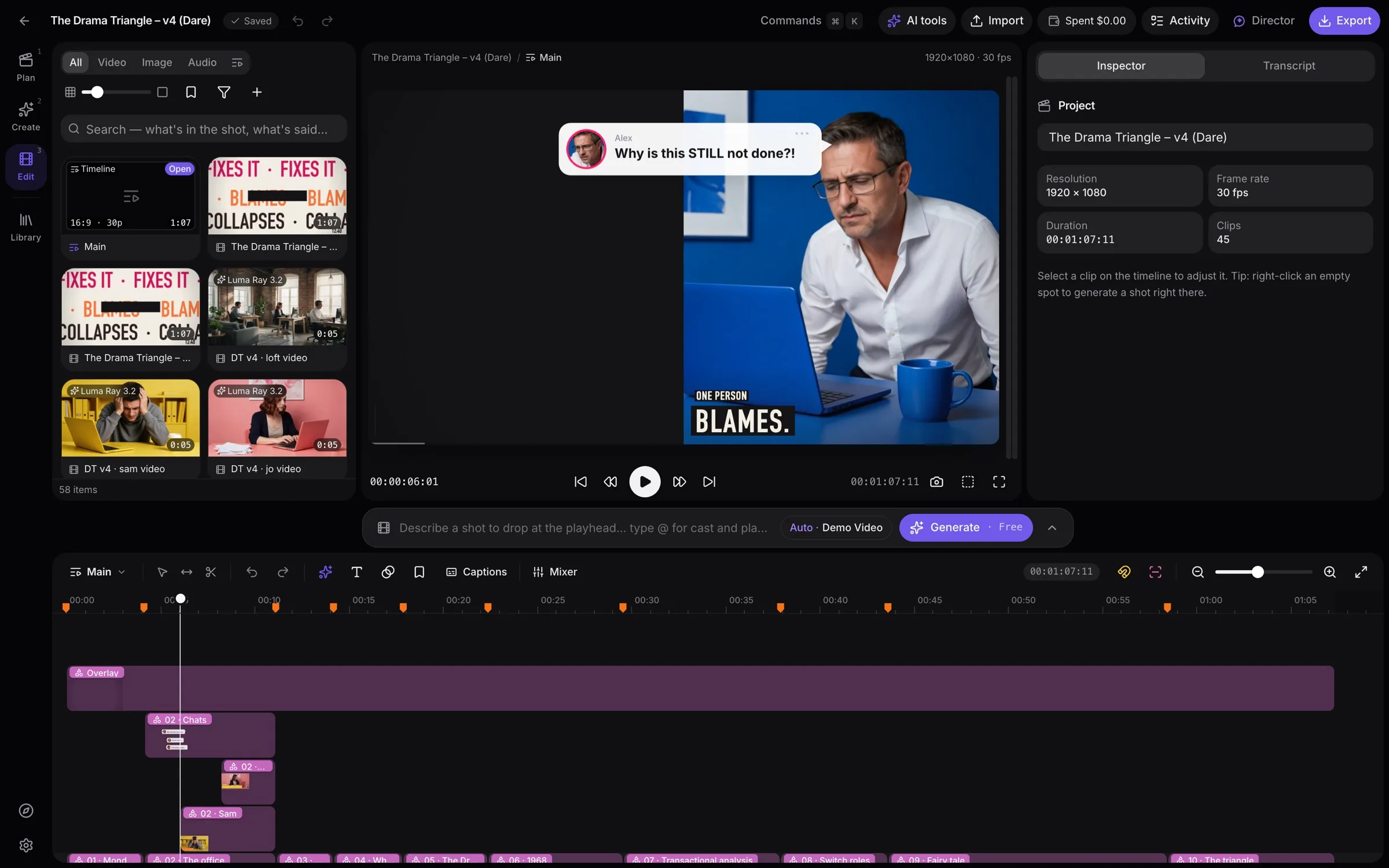
A Final Cut–style magnetic timeline with the generator built in. Fill a gap with a bridging shot, extend a clip, swap a take in place, then export.
- Connected clips, ripple and roll, J/K/L, blade
- Motion graphics and kinetic type on the timeline
- Edit by transcript, captions, mixer and ducking
- H.264 or HEVC export, or Final Cut Pro XML
$ claude mcp add wildroom -- node ~/wildroom/scripts/studio-mcp.mjs
> Make a 30-second explainer of our onboarding, Polish voice-over.

✓ create_project  "Onboarding explainer" · 1920×1080
✓ temp_voice  0:28 of voice-over · free
✓ motion_import  9 scenes · 214 keyframes
✓ view_asset  frame at 0:12 · title inside the safe area
… generate  2 stills · Seedream · $0.08
  Two paid stills, $0.08 in total. Go ahead?
Let Claude
drive the studio.
Claude Code and Claude Desktop build in the running app over MCP: projects, explainers, renders, timeline edits and exports, while you watch it happen in the window.
- Looks at its own frames before it calls them done
- Every paid render asks first, with its price
- A spend cap for each Claude session
Your films are folders.
The app is yours too.
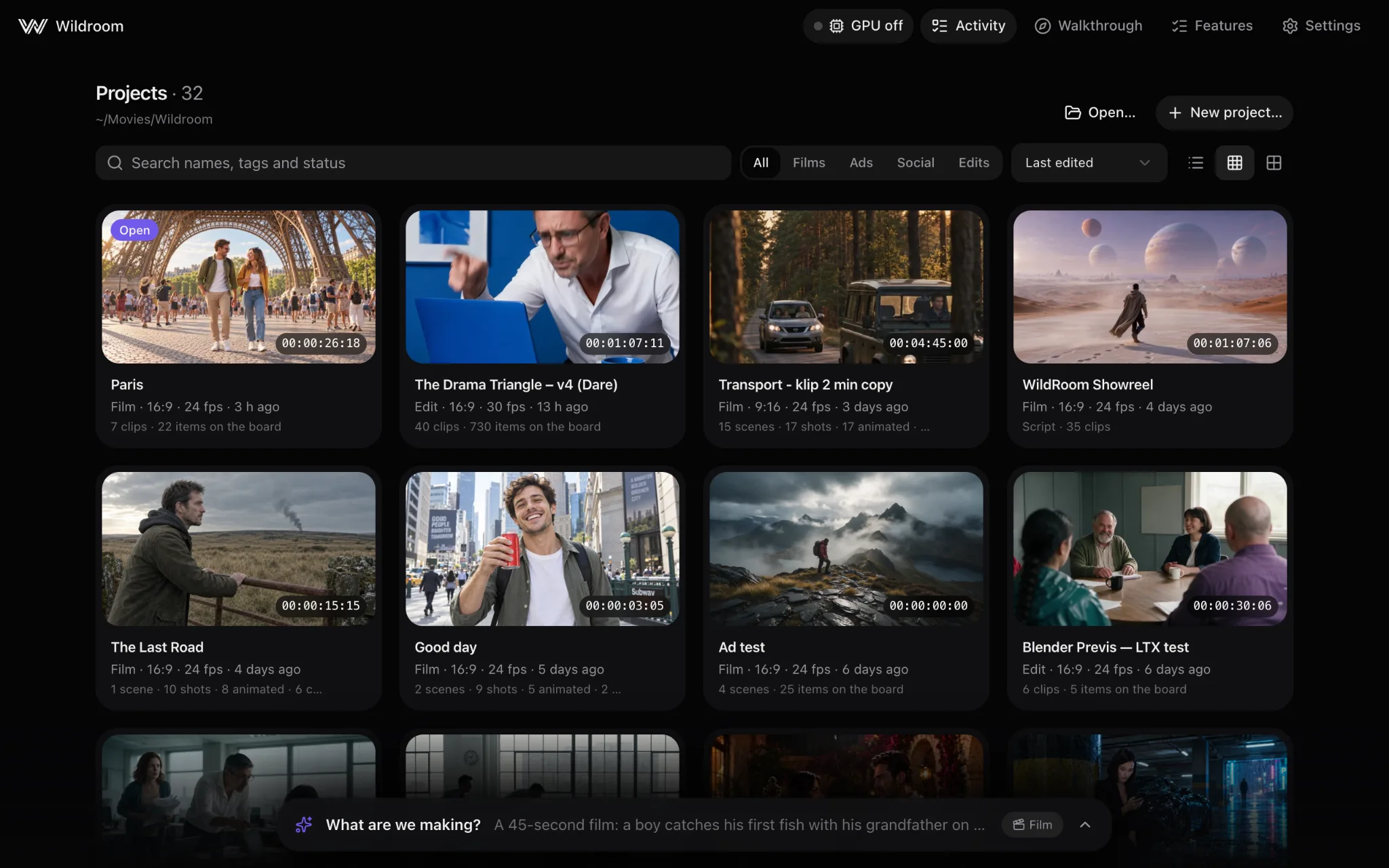
Every project is a plain folder you can copy, sync or open anywhere. The code is MIT, so change whatever you want.
$ git clone https://github.com/szymonkubisa/wildroom.git
$ cd wildroom
$ pnpm install
$ pnpm dev
➜ Wildroom on http://127.0.0.1:5180

# optional
$ pnpm models:ltx        # LTX-2.5 video on this Mac
$ pnpm electron:build   # Wildroom.app and a .dmg
- Demo mode. Free stand-in generators, so every workflow works before you add a key.
- Local first. A small server on 127.0.0.1. Nothing leaves your Mac unless you render in the cloud.
- Desktop app. The same studio as a Mac app, built from the repo in one command.
Needs a Mac with Apple Silicon, Node.js 22.12+ and pnpm.
Your next film starts
with one sentence.
Wildroom is free, open source and runs on your Mac. Bring the keys you have, or none at all.